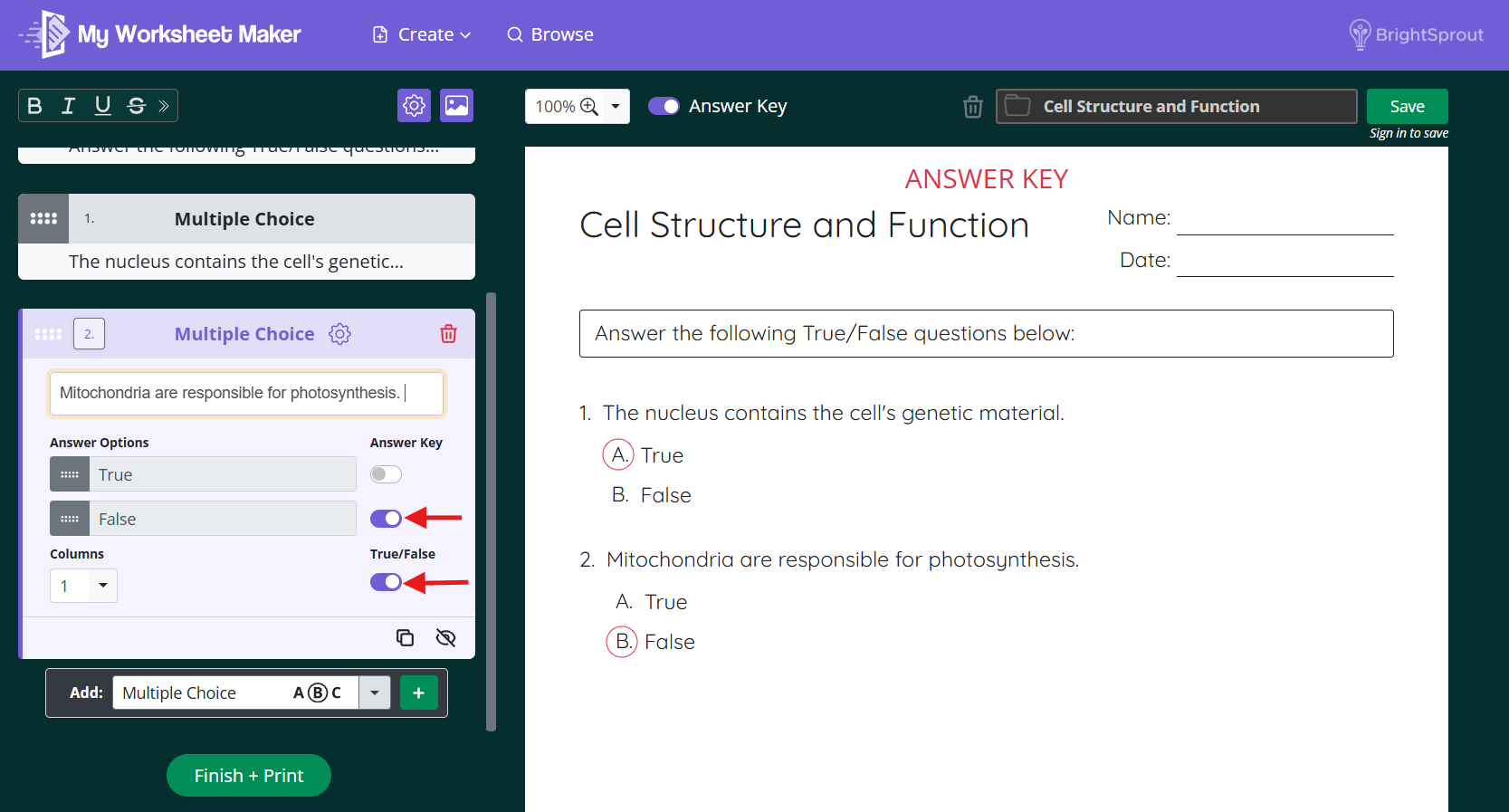

To add a True/False question to your worksheet, follow these steps:
In the Add dropdown at the bottom of the create panel, select Multiple Choice and click the green + button.
Type your question into the question box.
Toggle on True/False. Your answer options will automatically switch to True and False.
Under Answer Key, toggle on either True or False to mark the correct answer. It will appear circled on the answer key version of your worksheet.
Want to include an answer key? Toggle on the correct answer under Answer Key, and it will be marked on the answer key version of your worksheet.